

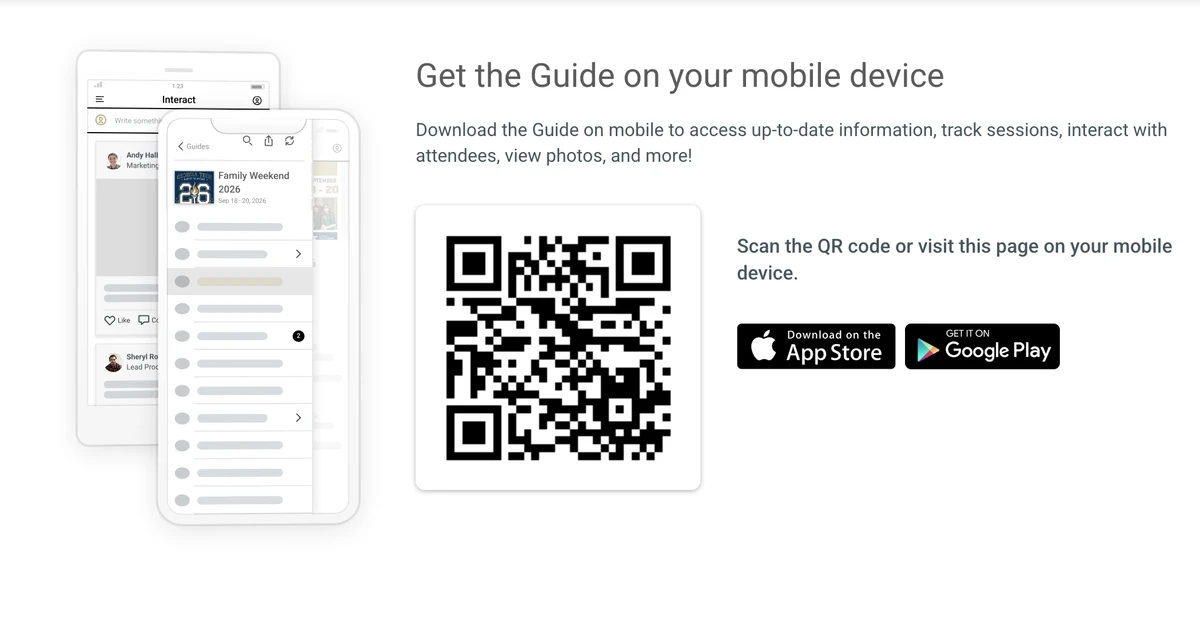

The Guidebook app is your go-to resource for Family Weekend 2026. Stay up to date on everything happening throughout the weekend, create a personalized schedule based on your family's interests, and easily navigate overlapping events. Access parking information, campus maps, dining options, and real-time event updates all in one place. You can even share your schedule with family members attending with you, making it easier to plan your weekend together and make the most of your time on campus.
Download the Guidebook App to your device by clicking here.
Here are some Pro Tips for Getting the Most Out of the Guidebook App during Family Weekend:
📱 Download Before You Arrive
Save time and avoid connectivity issues by downloading the app and Family Weekend guide before you get to campus.
📸 Explore the Full Guide
Browse sponsor information, campus resources, dining options, and featured activities you may not have originally planned to attend.
⭐ Favorite Your Must-Do Events
Tap the star icon on events you're interested in to create a personalized schedule.
🗓️ Build Your Weekend Plan
Review events as a family and map out your weekend in advance so you don't miss key programs.
📍 Use Maps and Locations
Check event locations before heading out and allow extra travel time between venues.
🔔 Turn On Notifications
Stay informed about schedule updates, reminders, and important announcements throughout the weekend.
🚗 Reference Parking Information Often
Keep parking details handy for quick access when navigating campus.
👨👩👧👦 Share With Your Family Group
Encourage everyone attending to download the app so each person can view schedules, maps, and updates in real time.

How do you share your schedule with your student and other members of the family that will be attending Family Weekend? I couldn't find a way to do it in the Guidebook app.